

PSU Sto. Tomas Campus · Academic Platform
Academic operations, finally in sync.
Plan schedules, draft advising plans, post grades, and publish recognition in one trusted system built for institutional control.
- Deterministic scheduling engine
- Role-based control
- Audit-ready actions
- Posted-only grade visibility
- Policy-safe workflows
- Audit trail ready
- Role-based access
Campus Departments
Departments currently represented in the campus ecosystem.
Each logo below represents a department workflow supported by GRADUS.

BEED

BSBA

BSHM
BSIT
Core Modules
Explore the systems behind day-to-day academic operations.
S
Scheduling Engine
Plan, validate, and publish section schedules with deterministic rules.
- Conflict-aware subject and faculty assignment
- Venue and slot balancing
- Publish and regenerate controls
- Audit trail for all schedule actions
A
Advising & Teacher Import
Draft advising plans, print advising forms, and enable teacher classlist imports for grading.
- Advising plan drafts per term
- Print-ready advising form output
- Teacher Excel classlist import
- Policy-based load guidance
G
Grade Management
Protect grade integrity from encoding to posted release.
- Teacher encoding workflow
- Posting compliance checks
- Sync health monitoring
- Posted-only student visibility
A
Academic Recognition
Publish achiever outcomes from validated and finalized records.
- Term and program-level recognition
- Policy-safe ranking output
- Criteria transparency links
- Publication ownership records
How GRADUS Works
A four-step academic flow from planning to recognition.
- 1
Schedule Generation And Publication
Build deterministic schedule drafts, validate conflicts, and publish approved timetables.
- 2
Advising Plan Review
Draft advising plans, generate printable advising forms for physical submission, and enable teacher classlist import.
- 3
Teacher Grade Posting Workflow
Encode, verify, and post final grades through accountable, role-based actions.
- 4
Recognition Outcome Publishing
Publish policy-approved academic recognition after institutional validation.
Role-Based Experience
Every user gets clear access boundaries and workflow ownership.
Super Admin
Can do
- Own scheduling policy and publication flow
- Review audit records across domains
- Manage access policies and system settings
Cannot do
- Bypass final publication policy checks
- Expose unposted student grades publicly
Review readiness, publish approved outcomes, and monitor governance health.
Teacher
Can do
- Encode and submit grades in workflow
- Track assigned schedules and class loads
- Receive posting and compliance notifications
Cannot do
- Modify institutional ranking criteria
- View restricted admin governance controls
Deliver classes, encode grades, and complete posting milestones on time.
Student
Can do
- View posted grades and schedules
- Check recognized achiever outcomes
- Access mobile-first updates
Cannot do
- See draft grade states
- Access administrative controls
Track official academic progress after records are posted and approved.
Platform Access Hub
Open GRADUS from the platform that fits each role.
Every access point uses the same governed workflow model while matching role-specific experience needs.
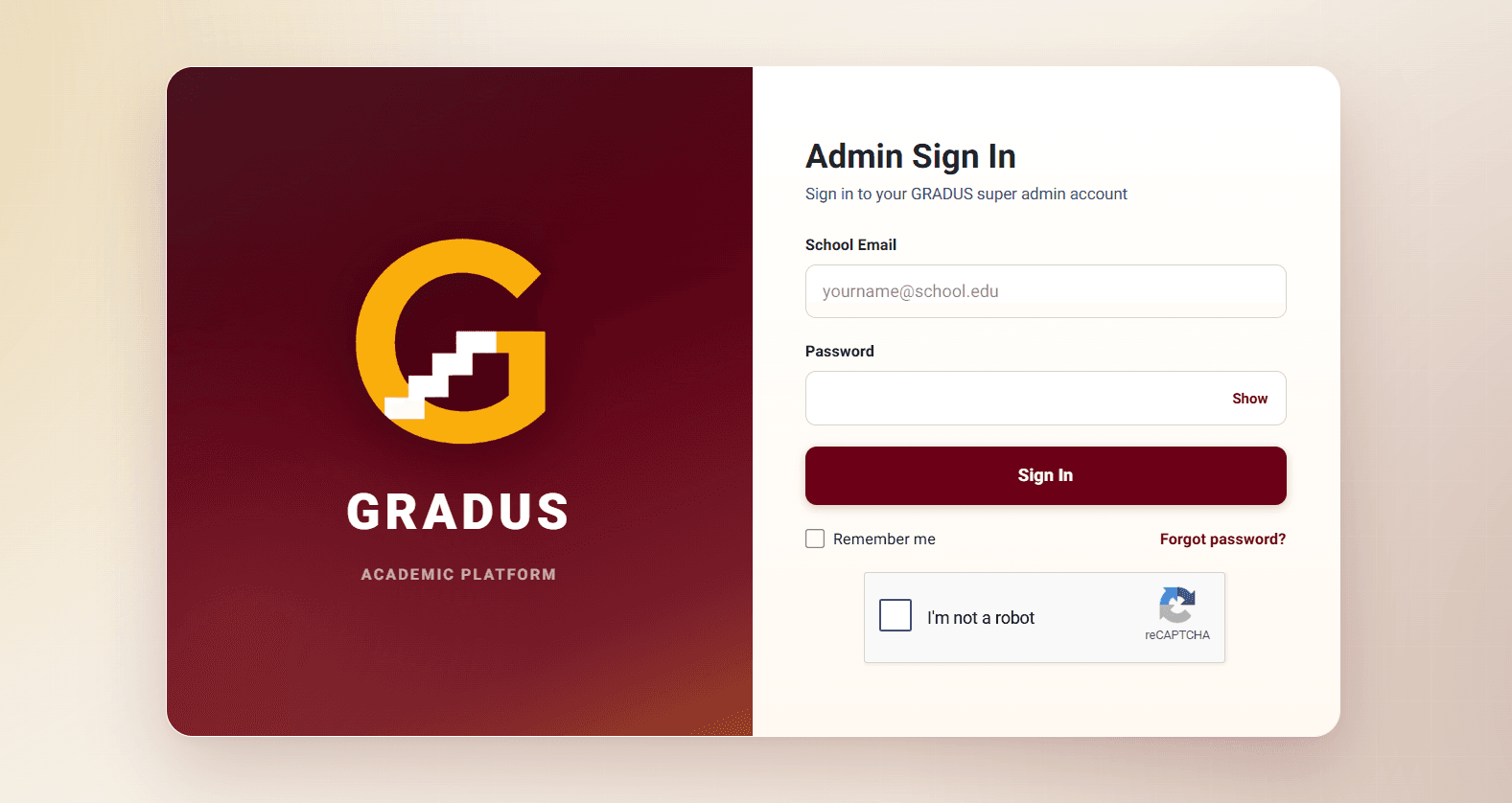
Web Platform
AvailableFor Super Admin workflows and institutional access.
- Institutional access
- Secure login
- Live policy checks
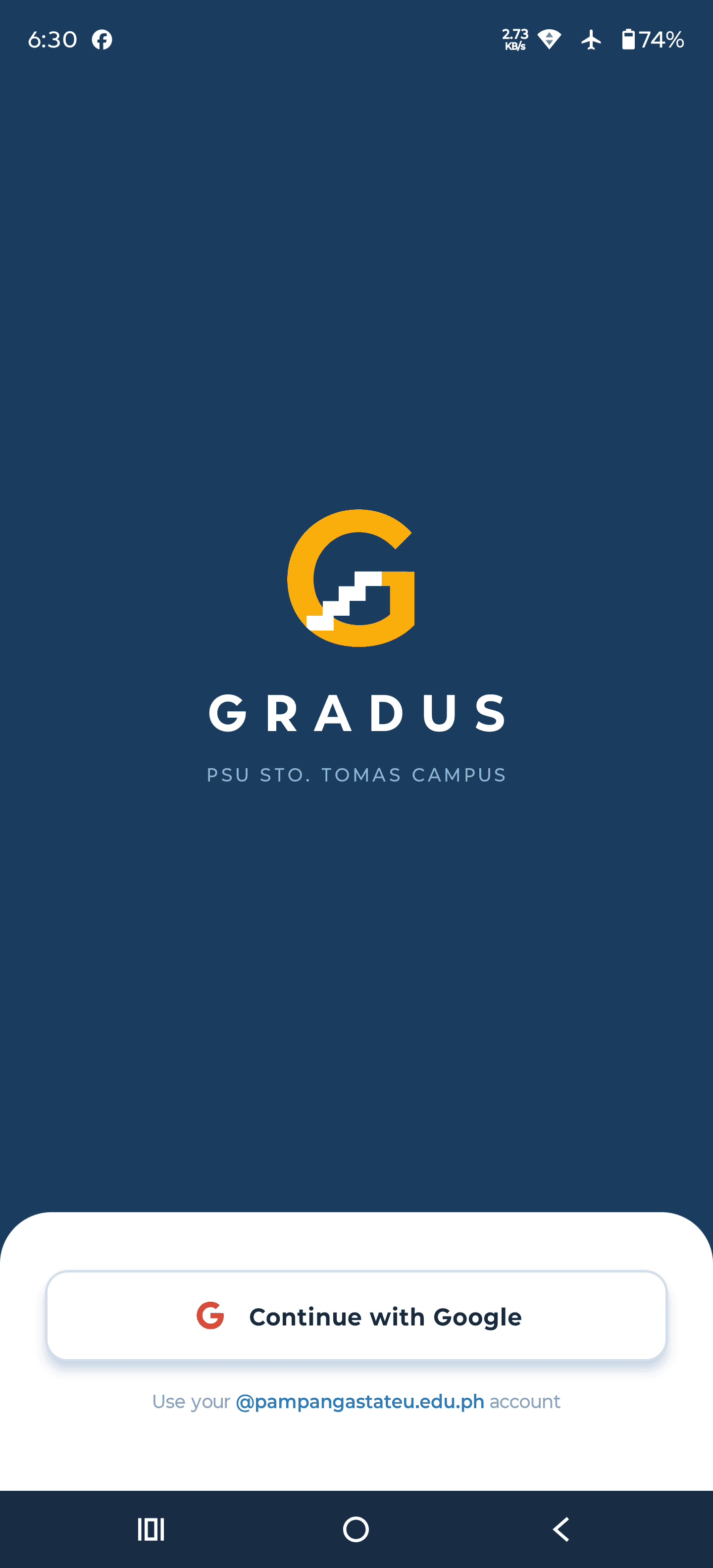
Mobile App
AvailableStudent access for grades, schedules, and recognition updates.
- Mobile support
- Latest package: v1.0.1
- Install size: 93.0 MB
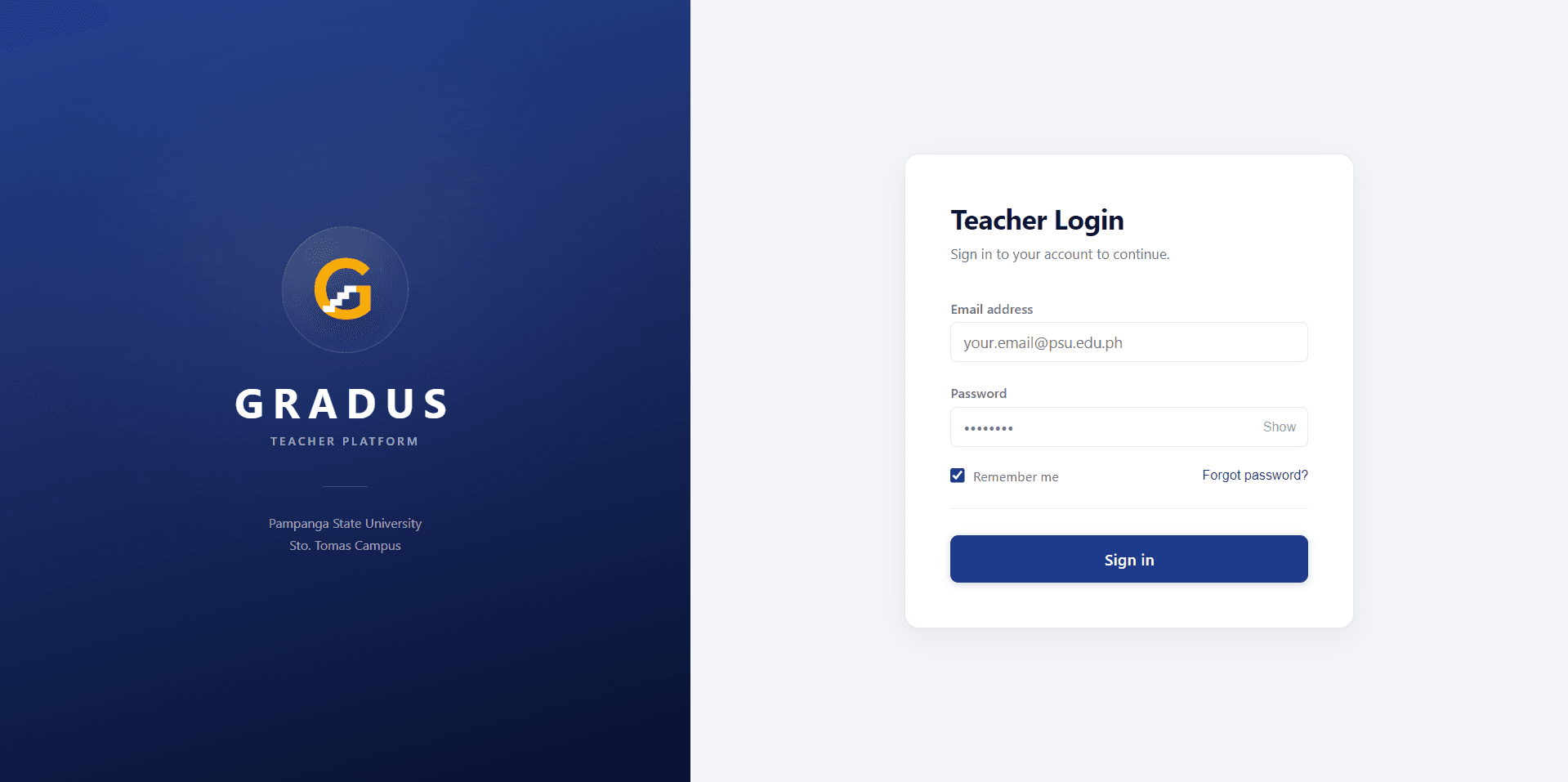
Desktop App
AvailableTeacher-focused grading and encoding experience.
- Windows support
- Latest package: v1.0.1
- Installer: 88.3 MB
Trust And Governance
Academic credibility backed by transparent controls.
Deterministic Policy Engine
Scheduling, advising, and recognition actions follow approved institutional rules.
Audit-Ready Workflow
Critical actions keep ownership and timestamp context for accountability.
Posted-Only Grade Visibility
Students only see finalized and posted grades, protecting accuracy and fairness.
Institutional Control
Access and publication controls stay under authorized academic leadership.
Team Behind GRADUS
Meet The People Behind GRADUS
Structured by development, quality, and documentation responsibilities.

Gemia Caro
Research And DocumentationDocumentation Specialist And Data Gathering Lead

Angelica Cousart
Research And DocumentationResearch Analyst And Requirements Analyst

Ejsziekiel Salonga
Design And QAUI/UX Designer And Frontend Support

Gary Noche
DevelopmentProject Manager / Lead Developer

Renz Maniacup
Design And QAQA Tester And System Tester

Faith Sitchon
Project AdvisoryCapstone Adviser
Only approved team members with consent should be shown in public team sections.
Frequently Asked Questions
Quick answers for platform access, policy, and support.
Who can access the GRADUS web system?
The web platform is for role-authorized users such as Super Admin, based on institutional access policy.
Where do teachers download the desktop app?
The latest desktop installer is available in the GRADUS Downloads page together with version notes and compatibility details.
How do students view grades?
Students can view grades only after records are posted and finalized. Draft and in-progress grade states are not publicly visible.
Why is grade visibility posted-only?
Posted-only visibility protects fairness, minimizes confusion, and ensures students see only institutionally approved outcomes.
How can we request support?
Use the contact block in the footer or email support through official GRADUS channels for account, access, and workflow concerns.
Bring every academic workflow into one trusted platform.
Launch scheduling, advising, grading, and recognition with policy-ready controls.